Skyware Inventory for Android gives your team mobile access to the inventory tools they already use in Skyware. Instead of returning to a workstation for every lookup or update, users can work with inventory directly from an Android phone or tablet.
Stop being tied to your desk to manage inventory. With Skyware for Android, your team can look up items, check details, and make inventory updates wherever the work is happening.
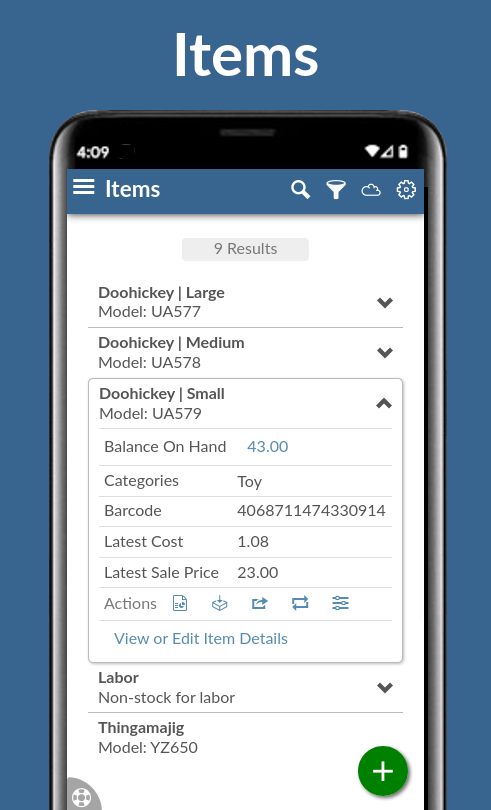
Scan or search for items using barcodes
View item images, models, categories, and locations
Check quantities and item availability away from a computer
Access serial numbers, variants, and non-stock item details
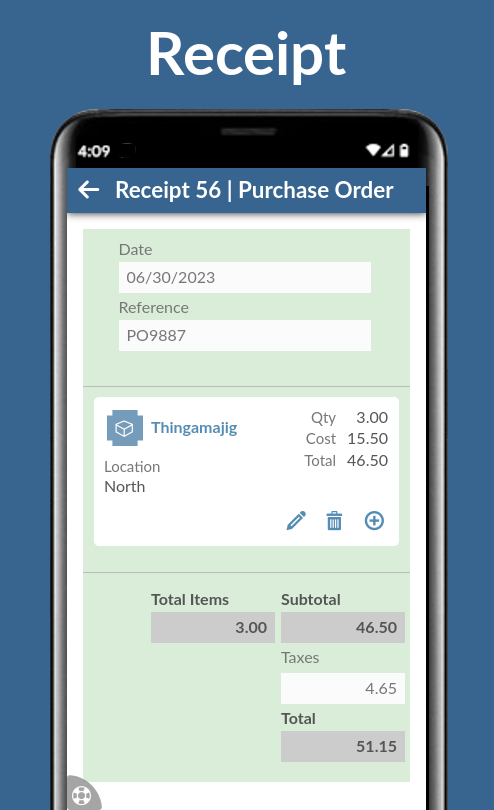
Review vendor and manufacturer information
Capture the item details your team needs with custom fields
Stay aware of reorder points and low-stock items
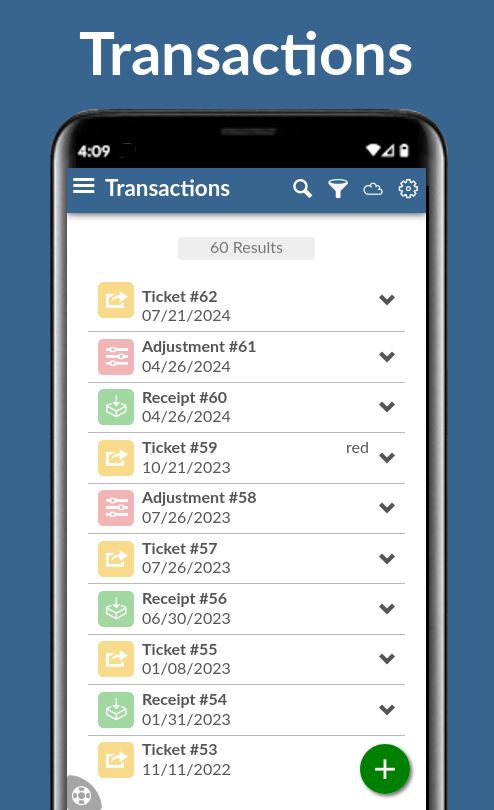
The Android app helps teams move faster in warehouses, stockrooms, service areas, and other places where inventory work happens away from a desk. Users can scan, search, and update inventory from a mobile device instead of writing notes, walking back to a workstation, or relying on spreadsheets.
The Skyware Android app connects to your existing Skyware Inventory account, so your team can work with the same item records, locations, categories, vendors, manufacturers, and inventory data they use on the web. It is not a separate mobile inventory list; it is mobile access to the same Skyware system.
Because Skyware is cloud-based, your inventory information is available across supported devices and locations. Android users can access the same inventory system your team uses in the browser, helping everyone stay connected to current item information.
Sign Up for FREE